Q means Quick
Exam prep that fits in a spare minute
Pick any of 31 exams and study a few flash cards at a time, whenever you have a minute.

Free cards to try in every pack. No subscription.
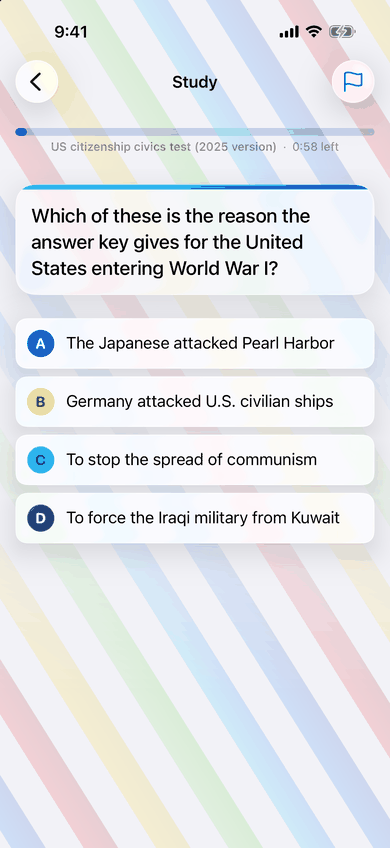
How long is a session?
One, two, five or ten minutes. Your choice.
See ExamQ in 30 seconds
Half a minute of the app: pick a length, tap your answers and watch your streak grow.
Read the film's words
- [Upbeat electronic music]
- Got a spare minute?
- [Ace McCaw, the ExamQ parrot, flies in] ExamQ
- ExamQ. Exam prep in spare minutes.
- What does the Q in ExamQ stand for? Quiz, Question, Quick or Queue.
- Quick: correct. Ace McCaw: Quick it is!
- Q means Quick.
- Pick a length: 1, 2, 5 or 10 minutes, or 5 to 20 cards. Start.
- Exams for every goal.
- Free cards in every pack. One-time purchase per pack. No subscription.
- Watch your streak grow. [Day streak, cards and a calendar fill in]
- [An achievement badge] One quick minute at a time. Pause anytime.
- [The ExamQ Home screen] Exams for every goal. Free cards in every pack. No account needed. One-time purchase per pack, no subscription.
- 1 min, All exams: your most used setup.
- ExamQ. Q means Quick. Download on the App Store. examq.app
How it works
Three steps, then it is you and the cards, a minute at a time.
-
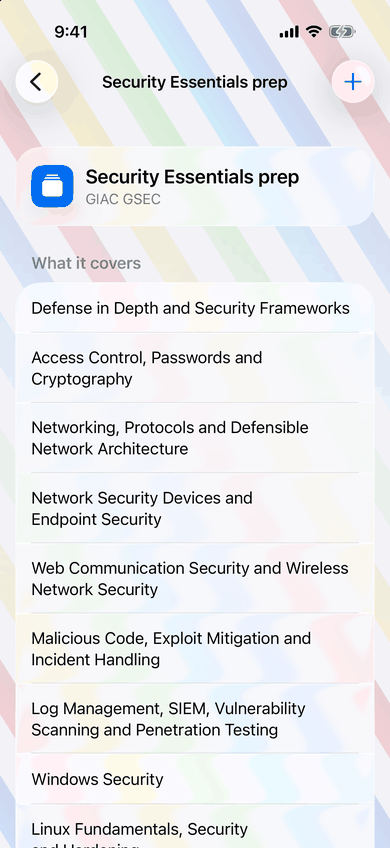
Pick your exam
Choose from 31 exams across 5 categories. Studying for more than one? Add them all and study them together.
-
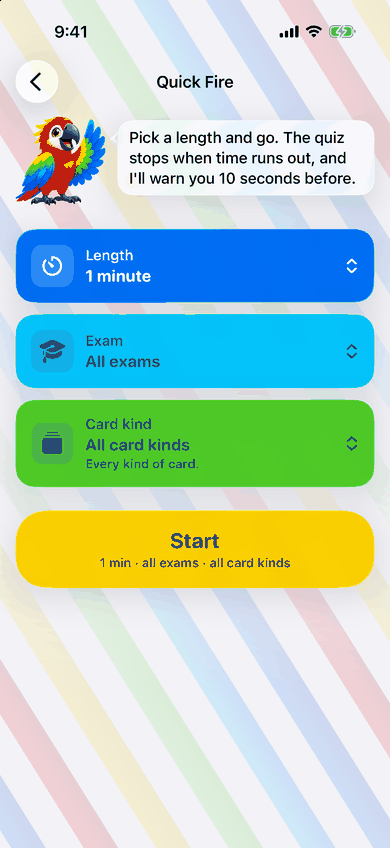
Study in short sessions
One, two, five or ten minutes at a time, in the app or straight from a Home Screen widget. No typing: just tap.
-
See how ready you are
ExamQ shows your predicted recall for each exam: how much of the material you are likely to remember right now.
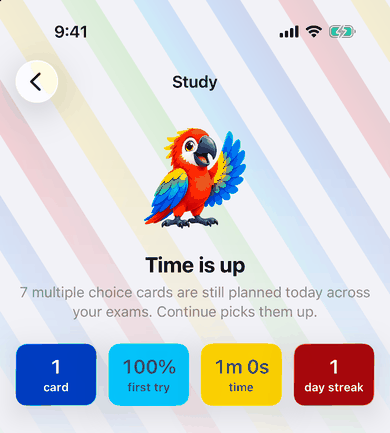
Try a quick round
5 cards about ExamQ, against a one‑minute clock. Flip each card, then say how you did.
-
Question: How long is a session?
Answer: One, two, five or ten minutes. You choose.
-
Question: Do I have to type my answers?
Answer: No. Flip the card, then tap Got it or Missed it.
-
Question: Can I try a pack before I buy it?
Answer: Yes. Every pack starts with free cards.
-
Question: Studying for more than one exam?
Answer: Add them all and study them together.
-
Question: What does the Q in ExamQ stand for?
Answer: Quick.
Cards you can trust
Quick does not mean careless.
-
In our own words
Written from the official exam outline. Nothing is copied from question banks or brain dumps.
-
Checked against the source
Fact-checked against primary sources: the exam body's own outline, regulations, standards and official documentation.
-
Reviewed in rounds
Cards are reviewed in rounds. Any card that changes is checked again, and wrong answers as carefully as right ones.
-
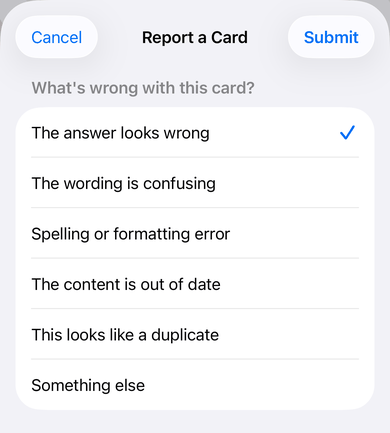
Flag it, and we look again
Spot something off? Flag the card in the app, as shown here, and it goes back for review.
Try before you buy
Every pack starts with free cards you can study in the app. When you are ready, unlock the full pack with a one‑time purchase.
- Free cards in every pack
- One‑time purchase for the full pack, from 133 to 831 cards
- No subscription, and no account needed
Browse the packs
31 exams in 5 categories. Pick a card.